Film it the way tape did.
Scanlines, chroma bleed, glitch and dither, live in the viewfinder and burnt into the file. What you see while you shoot is what lands in Photos.
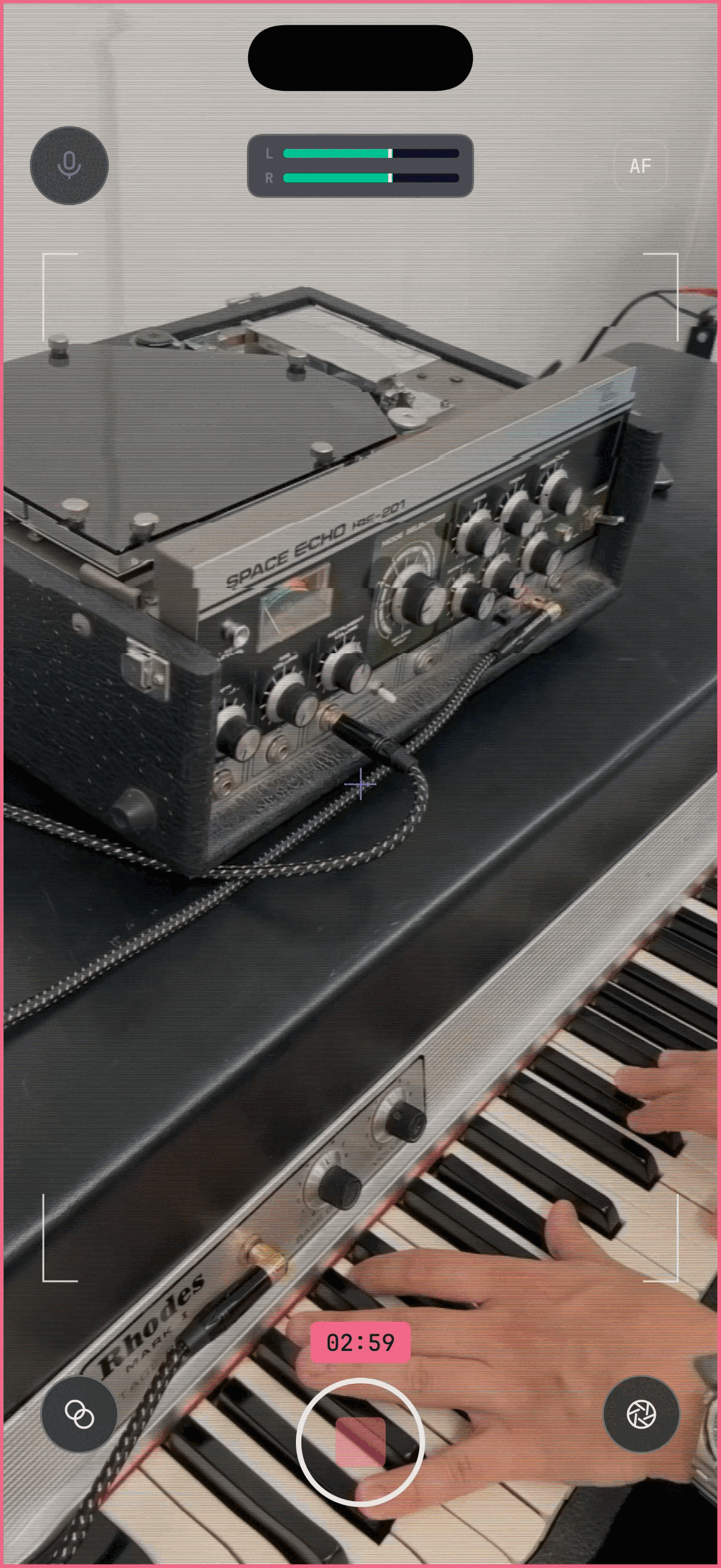
Live, not later
The whole chain renders while you film, at recording resolution: a YIQ pipeline with chroma smear and composite banding, glitch that follows the sound in the room, and dithering on top. Twelve sliders, and everything combines.
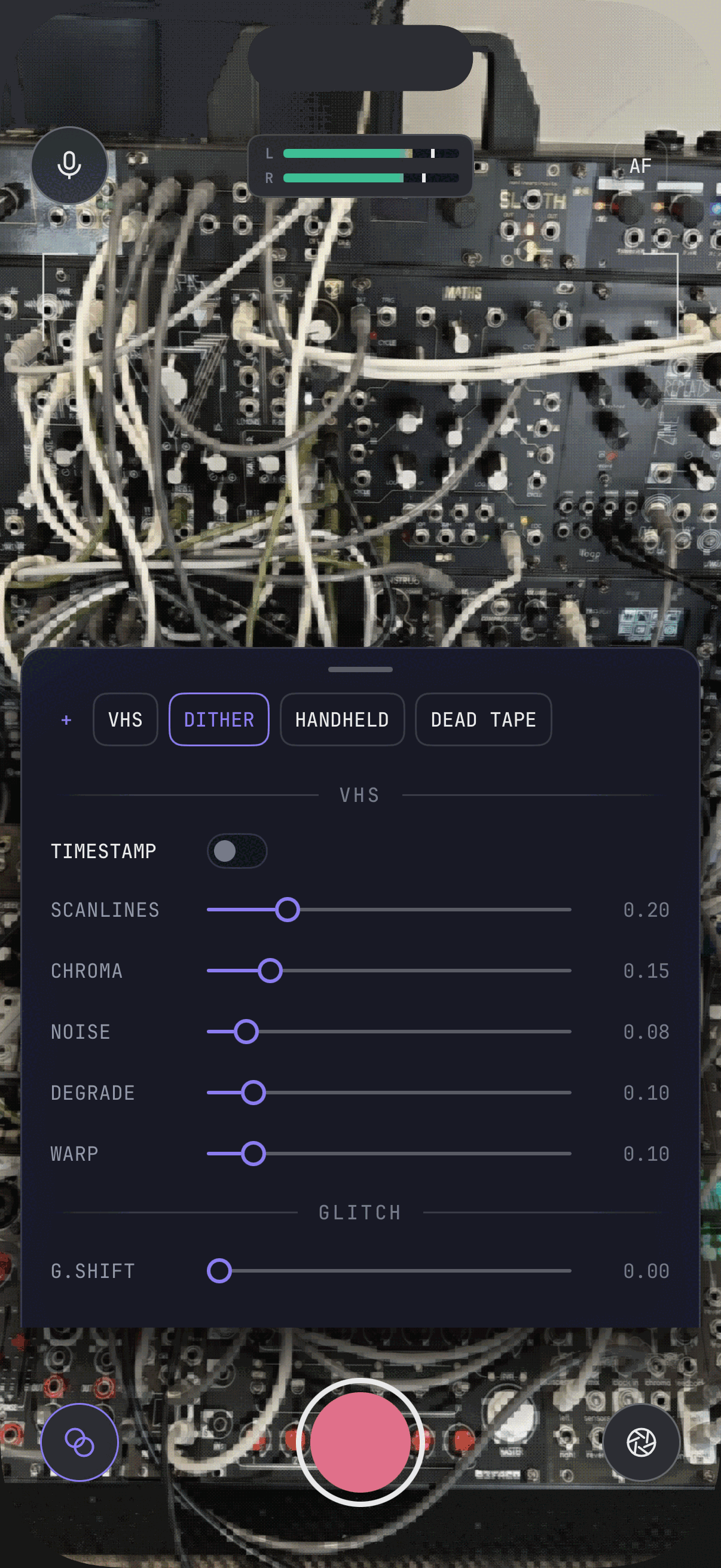
Plug in an interface
Shoot with a USB audio interface, a headset, or the built-in mic, and watch it on stereo meters. DVC Cam reads the format from the audio itself rather than asking the system, which is what gets it right when an interface is attached, then converts what arrives into one track the Photos library will actually play.
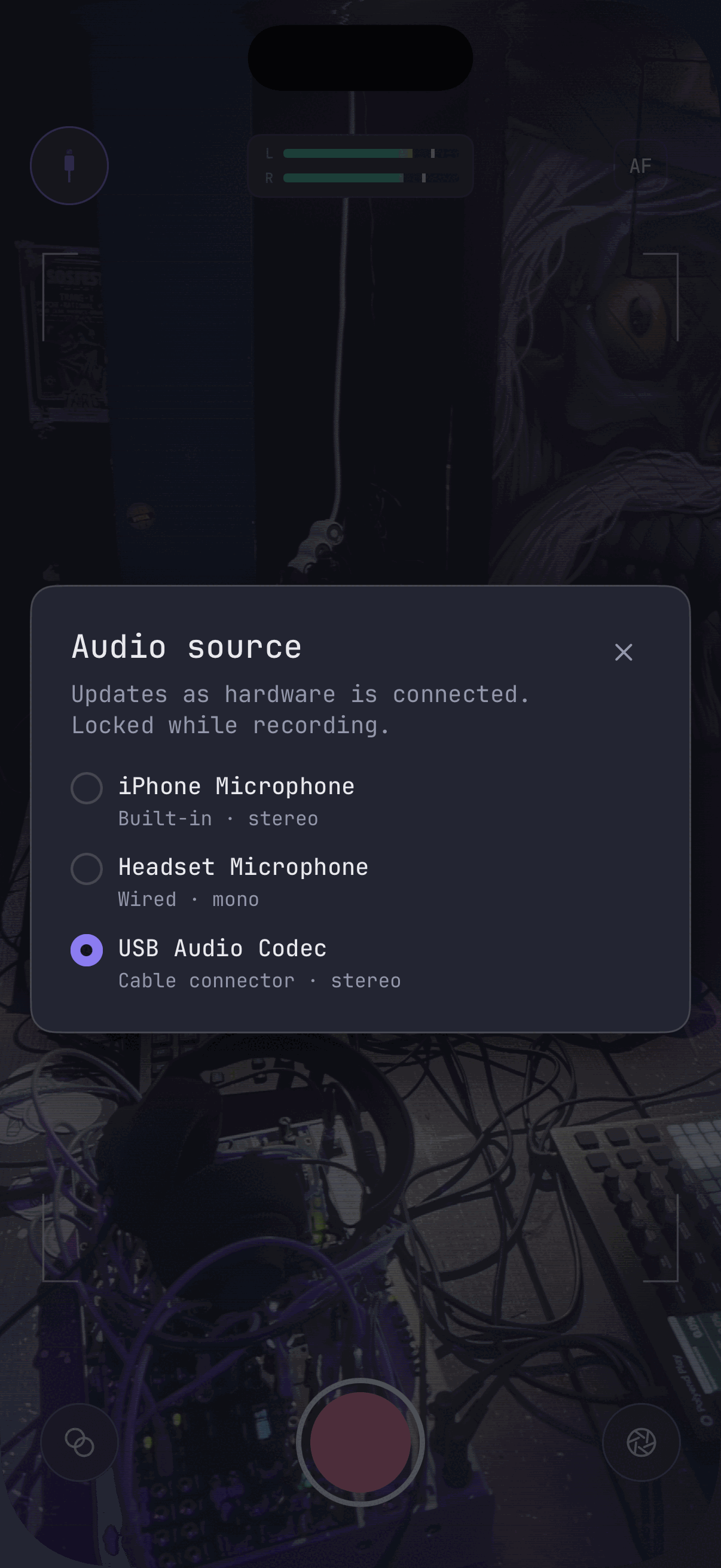
Subtle, or this
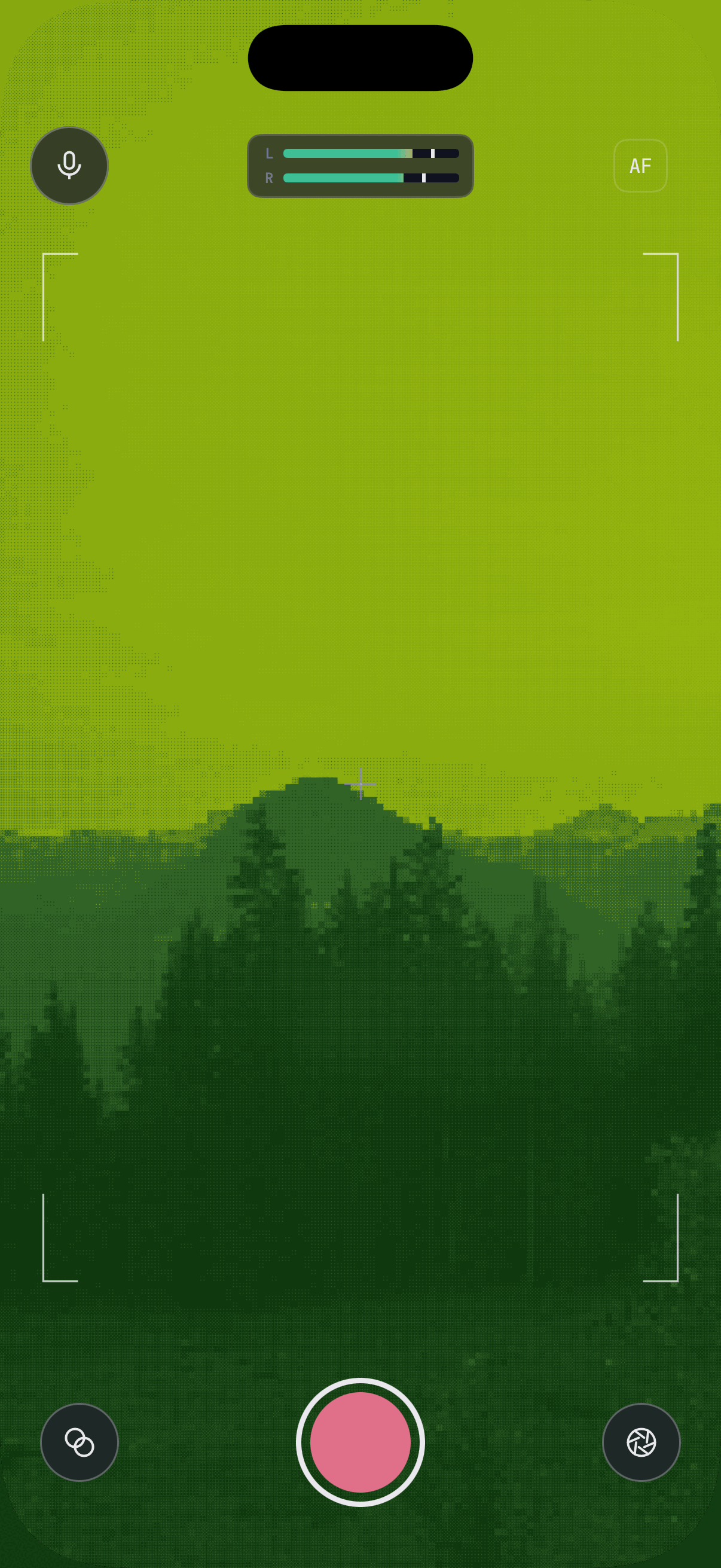
Tape, glitch and dither stack in any combination: scanlines, chroma bleed, warp and degrade; row displacement, RGB split and block corruption; pixel size and colour levels over full colour, monochrome, or four shades of green. Set it to a faint tape wobble, or take it all the way to this.
Is the effect saved into the video, or just a preview?
Into the video. The filter chain runs on the frames that are being recorded, so the file in Photos looks exactly like the viewfinder did.
Where do recordings go?
Your Photos library, as HEVC video and AAC audio in an MP4. The two are written by separate writers and merged when you stop — without re-encoding either — so the file opens anywhere an iPhone video opens.
Can I record from an audio interface?
Yes — a class-compliant USB interface appears in the picker as soon as it's connected, next to the built-in mic and any headset. DVC Cam reads the format from the audio itself rather than asking the system, which is what gets it right when an interface is attached, and records in stereo when two channels arrive.
What happens to the audio format?
It's converted to a single AAC track and merged with the picture into one MP4. Interfaces send all sorts of rates and depths, and mixing formats is what produces a file whose audio misbehaves in the Photos library, so DVC Cam normalises to one that doesn't. Carrying higher rates and bit depths through end to end is on the list, not in this build.
Does the sound stay in sync?
The filter chain delays the first frame by a few tens of milliseconds and the microphone doesn't wait, so sound captured during that window is held and written in rather than dropped. Both tracks are anchored to the same start.
Does it need an account or a connection?
Neither. DVC Cam has no account and no server, and makes no network requests at all.
Can I save my own looks?
Yes. Any combination of the twelve controls saves under a name, recalls with one tap, and deletes with a long press. Settings persist between launches.
Does depth of field work on my iPhone?
It needs either a LiDAR scanner or Cinematic Video. On an iPhone with neither, the aperture control says so rather than pretending.
Can I focus by hand?
Tap AF to switch to MF, then swipe up or down on the viewfinder. A drum scale marked from infinity to the minimum distance shows where the focus is, then fades.
Shoot the beta.
Get DVC Cam on your iPhone before launch, through TestFlight. Film real things with it, tell us which looks are missing, and help decide what the next pass of effects should do.